
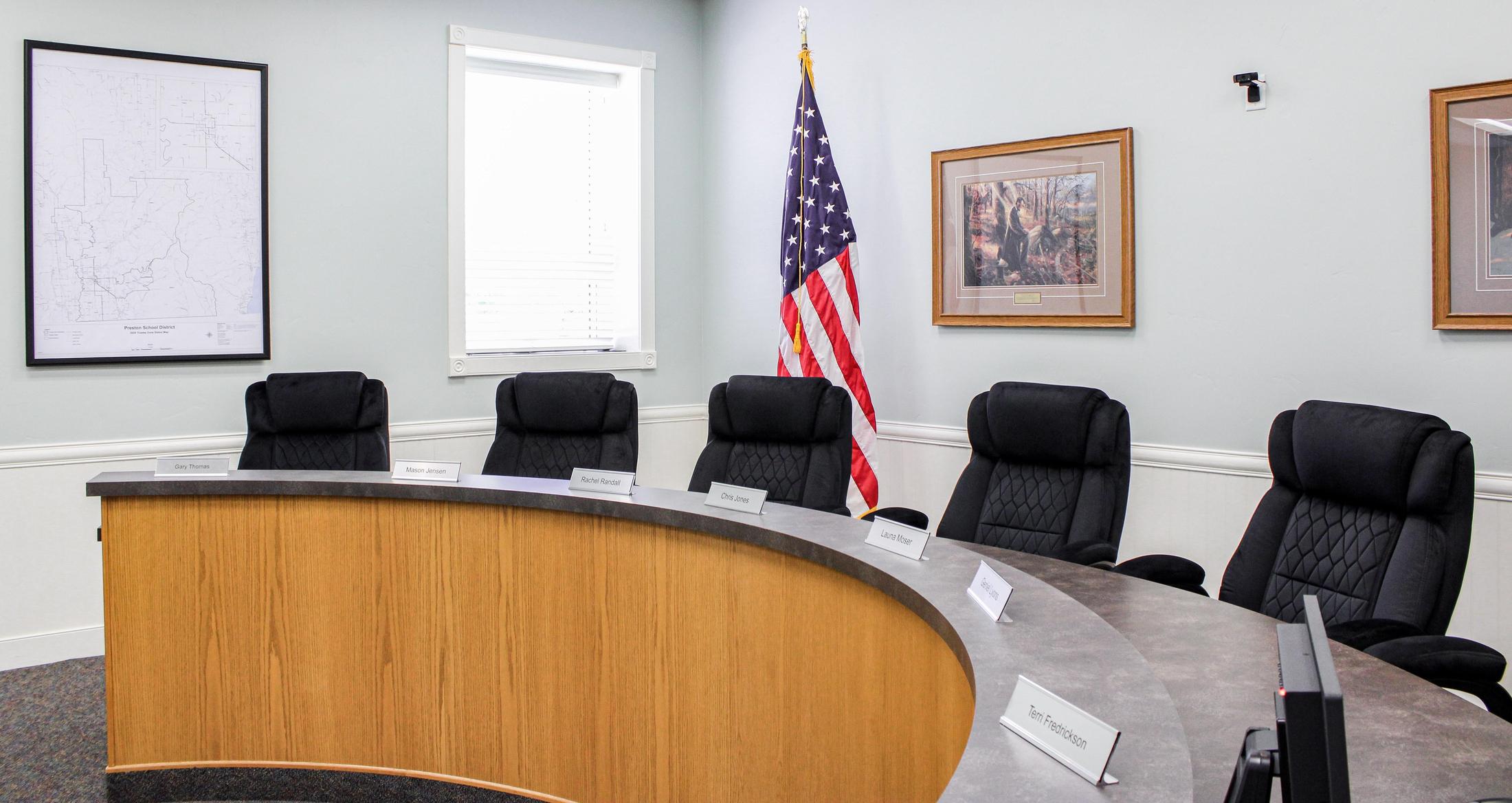
Board of Education
Board Meeting Schedule
The Preston Board of Education meets on the third Wednesday of each month at 6:00 pm at the Preston School District Office, located at 105 East 2nd South in Preston, Idaho.
Board meetings are open to the public. All agendas are set by board leadership in coordination with the superintendent and are typically finalized the week before the scheduled meeting.
If you would like to address the Board at a regular board meeting, please fill out the form below on this page.
School Board FAQs
Preston School District has a dedicated board of trustees that are working hard to enact policies that will positively impact the education of our students! All trustees are volunteers and give willingly of their time to support the schools in our District. Below are some frequently asked questions to help patrons and staff better understand the roles and responsibilities of the Board.
What is the role of the Board of Trustees?
Who is on the Board?
How do I find out who my Board member is?
How often does the Board meet?
Can the Board meet privately?
Can anyone talk in a Board meeting?
How do I get the Board to invite me to speak at a Board meeting?
Are you saying the Board won't listen to my concerns?
What if I have an issue with a staff member and don't want to talk to them?
Instructions for Accessing Agendas, Minutes, and Policies on BoardBook
The Board of Trustees of Preston School District has adopted BoardBook to help provide easier access to board information including agendas, minutes, policies, and goals. Agendas, Minutes, and Policies can be accessed by clicking here or clicking here or on the links above. Below are some basic instructions for accessing those documents.
How to View an Agenda:
On the BoardBook homepage, meetings are listed by date on the lefthand side. Select the link titled Agenda next to the date of the meeting you would like to view.
When viewing an agenda, you can also view any additional descriptions and/or attachments linked to each agenda item by selecting the detail you would like to see from the items listed under the View Options menu shown in the upper lefthand side of the screen.
How to Download and/or Print an Agenda:
All agendas and other documents can be accessed and viewed at any time online. However, if you would like to download or print an agenda, follow the steps above to access the agenda and then select the Download option shown in the upper lefthand corner of the screen.
Individual agenda attachments can also be downloaded by clicking on the link of the individual attachment you wish to download, selecting the gear icon at the top righthand corner of the viewing pane, and then selecting the Download option from the dropdown menu.
How to View Board Minutes:
On the BoardBook homepage, meetings are listed by date on the lefthand side. Select the link titled Minutes next to the date of the meeting you would like to view. The minutes will be displayed in a viewing pane on the screen.
How to Download and/or Print Board Minutes:
All minutes and other documents can be accessed and viewed at any time online. However, if you would like to download or print the minutes from any meeting, follow the steps above to access the minutes. Once the minutes appear in the viewing pane on the screen, click on the gear icon in the upper righthand corner of the viewing pane and then select the Download or Print option shown in the dropdown menu.
How to View Board Policies:
On the BoardBook homepage, handbooks and policies are shown under the Books section on the righthand side of the screen. To view a policy, click on the link titled Policies. A menu will expand displaying all policy sections as well as a policy index. Click on the policy section you would like to view to expand that policy section. Click on the policy you would like to view and it will open in a viewing pane.
How to Download and/or Print Board Policies:
All policies and other documents can be accessed and viewed at any time online. However, if you would like to download or print any policy, follow the steps above to access the policy. Once the policy appears in the viewing pane on the screen, click on the gear icon in the upper righthand corner of the viewing pane and then select the Download or Print option shown in the dropdown menu.
For questions or assistance, please contact 208-852-0283.
Request to Address the Board - Guidelines
The Preston School Board of Education generally meets on the third Wednesday of each month and values patron input. Please note that requests to address the board are specifically for patron input and that this platform should not be used as a forum for individual complaints or concerns. Specific complaints or concerns should be handled in accordance with Preston School District Policy No. 1012, which can be found under the Quick Links section on the District homepage.
To speak at a school board meeting, this form must be completed at least seven (7) days prior to the meeting at which you wish to speak. Upon submission, this form will automatically be sent to the board clerk. The board clerk will then forward the request to the board chair and the superintendent, who will review the request. Submission of this form does not guarantee approval of the request. Responses may include the following:
- Approval of appearance before the board at the next regular meeting.
- Approval of appearance before the board in executive session.
- Referral of your request to the appropriate administrator.
Permission to appear before the board at a regular meeting is subject to the following guidelines:
- Presentations shall not exceed three (3) minutes.
- Subject matter must include only the detail listed below.
- Comments must be limited to policy issues and not refer directly or indirectly to individual persons.
- Presentations must be appropriate for all ages and should present additional insight and/or solutions.
Request to Address School Board Form
If you require assistance completing this form, please contact the District Office directly at 208-852-0283.